My Blinkie

Subscribe for Updates
Contact Me
Followers
Blog Archive
-
▼
2026
(10)
- ► 03/22 - 03/29 (1)
- ► 03/08 - 03/15 (2)
- ► 03/01 - 03/08 (1)
- ► 02/08 - 02/15 (1)
- ► 01/25 - 02/01 (3)
- ► 01/18 - 01/25 (1)
-
►
2025
(18)
- ► 12/28 - 01/04 (1)
- ► 12/21 - 12/28 (1)
- ► 11/23 - 11/30 (1)
- ► 11/09 - 11/16 (1)
- ► 10/12 - 10/19 (1)
- ► 09/21 - 09/28 (1)
- ► 08/31 - 09/07 (1)
- ► 08/03 - 08/10 (1)
- ► 07/20 - 07/27 (1)
- ► 07/13 - 07/20 (1)
- ► 07/06 - 07/13 (1)
- ► 06/22 - 06/29 (2)
- ► 05/11 - 05/18 (1)
- ► 02/23 - 03/02 (1)
- ► 02/16 - 02/23 (1)
- ► 01/12 - 01/19 (1)
- ► 01/05 - 01/12 (1)
-
►
2024
(5)
- ► 12/01 - 12/08 (1)
- ► 11/10 - 11/17 (1)
- ► 11/03 - 11/10 (1)
- ► 07/07 - 07/14 (1)
- ► 04/07 - 04/14 (1)
-
►
2023
(18)
- ► 10/15 - 10/22 (1)
- ► 10/01 - 10/08 (1)
- ► 09/24 - 10/01 (2)
- ► 09/17 - 09/24 (2)
- ► 08/13 - 08/20 (1)
- ► 08/06 - 08/13 (1)
- ► 07/09 - 07/16 (1)
- ► 05/28 - 06/04 (1)
- ► 04/09 - 04/16 (1)
- ► 03/26 - 04/02 (1)
- ► 03/12 - 03/19 (1)
- ► 01/29 - 02/05 (3)
- ► 01/08 - 01/15 (1)
- ► 01/01 - 01/08 (1)
-
►
2022
(15)
- ► 09/11 - 09/18 (2)
- ► 09/04 - 09/11 (1)
- ► 08/28 - 09/04 (1)
- ► 08/14 - 08/21 (1)
- ► 05/29 - 06/05 (1)
- ► 05/22 - 05/29 (2)
- ► 04/10 - 04/17 (1)
- ► 03/20 - 03/27 (1)
- ► 03/06 - 03/13 (1)
- ► 01/16 - 01/23 (1)
- ► 01/09 - 01/16 (2)
- ► 01/02 - 01/09 (1)
-
►
2021
(13)
- ► 11/21 - 11/28 (1)
- ► 11/14 - 11/21 (1)
- ► 10/31 - 11/07 (2)
- ► 10/24 - 10/31 (1)
- ► 10/10 - 10/17 (1)
- ► 10/03 - 10/10 (1)
- ► 09/19 - 09/26 (1)
- ► 09/05 - 09/12 (1)
- ► 03/21 - 03/28 (2)
- ► 03/07 - 03/14 (2)
-
►
2020
(4)
- ► 12/13 - 12/20 (2)
- ► 12/06 - 12/13 (2)
-
►
2019
(5)
- ► 12/15 - 12/22 (1)
- ► 12/08 - 12/15 (1)
- ► 11/17 - 11/24 (1)
- ► 08/18 - 08/25 (1)
- ► 07/28 - 08/04 (1)
-
►
2018
(3)
- ► 11/25 - 12/02 (2)
- ► 03/04 - 03/11 (1)
-
►
2017
(2)
- ► 09/17 - 09/24 (1)
- ► 07/09 - 07/16 (1)
-
►
2016
(10)
- ► 11/27 - 12/04 (1)
- ► 11/06 - 11/13 (1)
- ► 10/30 - 11/06 (1)
- ► 10/02 - 10/09 (1)
- ► 08/07 - 08/14 (1)
- ► 07/31 - 08/07 (1)
- ► 07/17 - 07/24 (1)
- ► 07/10 - 07/17 (1)
- ► 03/27 - 04/03 (1)
- ► 02/07 - 02/14 (1)
-
►
2015
(12)
- ► 10/18 - 10/25 (1)
- ► 09/27 - 10/04 (1)
- ► 08/02 - 08/09 (1)
- ► 05/24 - 05/31 (1)
- ► 04/12 - 04/19 (1)
- ► 03/22 - 03/29 (1)
- ► 02/15 - 02/22 (1)
- ► 01/25 - 02/01 (2)
- ► 01/18 - 01/25 (1)
- ► 01/11 - 01/18 (1)
- ► 01/04 - 01/11 (1)
-
►
2014
(84)
- ► 12/28 - 01/04 (1)
- ► 11/30 - 12/07 (1)
- ► 11/23 - 11/30 (1)
- ► 10/26 - 11/02 (2)
- ► 10/12 - 10/19 (1)
- ► 10/05 - 10/12 (1)
- ► 09/14 - 09/21 (1)
- ► 09/07 - 09/14 (1)
- ► 08/24 - 08/31 (1)
- ► 08/10 - 08/17 (1)
- ► 08/03 - 08/10 (1)
- ► 07/20 - 07/27 (1)
- ► 07/13 - 07/20 (1)
- ► 07/06 - 07/13 (1)
- ► 06/29 - 07/06 (1)
- ► 06/22 - 06/29 (1)
- ► 06/15 - 06/22 (3)
- ► 06/08 - 06/15 (3)
- ► 06/01 - 06/08 (2)
- ► 05/25 - 06/01 (1)
- ► 05/18 - 05/25 (3)
- ► 05/04 - 05/11 (1)
- ► 04/20 - 04/27 (5)
- ► 04/13 - 04/20 (6)
- ► 04/06 - 04/13 (5)
- ► 03/30 - 04/06 (7)
- ► 03/23 - 03/30 (2)
- ► 03/16 - 03/23 (2)
- ► 03/09 - 03/16 (3)
- ► 03/02 - 03/09 (3)
- ► 02/23 - 03/02 (1)
- ► 02/16 - 02/23 (4)
- ► 02/09 - 02/16 (5)
- ► 02/02 - 02/09 (1)
- ► 01/19 - 01/26 (5)
- ► 01/12 - 01/19 (4)
- ► 01/05 - 01/12 (1)
-
►
2013
(139)
- ► 12/29 - 01/05 (2)
- ► 12/22 - 12/29 (1)
- ► 12/08 - 12/15 (4)
- ► 12/01 - 12/08 (2)
- ► 11/24 - 12/01 (1)
- ► 11/10 - 11/17 (1)
- ► 10/27 - 11/03 (2)
- ► 10/20 - 10/27 (1)
- ► 10/13 - 10/20 (4)
- ► 10/06 - 10/13 (1)
- ► 09/29 - 10/06 (6)
- ► 09/22 - 09/29 (2)
- ► 09/15 - 09/22 (2)
- ► 09/08 - 09/15 (1)
- ► 09/01 - 09/08 (2)
- ► 08/25 - 09/01 (1)
- ► 08/18 - 08/25 (1)
- ► 08/11 - 08/18 (5)
- ► 08/04 - 08/11 (4)
- ► 07/28 - 08/04 (5)
- ► 07/21 - 07/28 (1)
- ► 07/07 - 07/14 (1)
- ► 06/30 - 07/07 (4)
- ► 06/23 - 06/30 (1)
- ► 06/16 - 06/23 (3)
- ► 06/09 - 06/16 (1)
- ► 06/02 - 06/09 (4)
- ► 05/26 - 06/02 (6)
- ► 05/19 - 05/26 (5)
- ► 05/12 - 05/19 (3)
- ► 05/05 - 05/12 (2)
- ► 04/28 - 05/05 (1)
- ► 04/21 - 04/28 (3)
- ► 04/14 - 04/21 (1)
- ► 04/07 - 04/14 (7)
- ► 03/31 - 04/07 (7)
- ► 03/17 - 03/24 (5)
- ► 03/10 - 03/17 (1)
- ► 03/03 - 03/10 (2)
- ► 02/24 - 03/03 (4)
- ► 02/17 - 02/24 (8)
- ► 02/10 - 02/17 (5)
- ► 02/03 - 02/10 (10)
- ► 01/27 - 02/03 (3)
- ► 01/20 - 01/27 (2)
- ► 01/06 - 01/13 (1)
-
►
2012
(48)
- ► 12/30 - 01/06 (3)
- ► 10/14 - 10/21 (7)
- ► 10/07 - 10/14 (4)
- ► 09/23 - 09/30 (1)
- ► 09/16 - 09/23 (3)
- ► 08/12 - 08/19 (2)
- ► 07/29 - 08/05 (1)
- ► 06/17 - 06/24 (2)
- ► 05/06 - 05/13 (1)
- ► 04/15 - 04/22 (1)
- ► 04/08 - 04/15 (2)
- ► 03/11 - 03/18 (4)
- ► 02/26 - 03/04 (3)
- ► 02/19 - 02/26 (4)
- ► 01/29 - 02/05 (2)
- ► 01/22 - 01/29 (3)
- ► 01/15 - 01/22 (1)
- ► 01/01 - 01/08 (4)
-
►
2011
(9)
- ► 12/25 - 01/01 (1)
- ► 12/11 - 12/18 (1)
- ► 12/04 - 12/11 (1)
- ► 11/27 - 12/04 (4)
- ► 11/06 - 11/13 (1)
- ► 10/23 - 10/30 (1)
-
►
2010
(11)
- ► 03/28 - 04/04 (1)
- ► 02/28 - 03/07 (1)
- ► 02/14 - 02/21 (1)
- ► 02/07 - 02/14 (1)
- ► 01/31 - 02/07 (1)
- ► 01/24 - 01/31 (4)
- ► 01/03 - 01/10 (2)
-
►
2009
(46)
- ► 12/27 - 01/03 (3)
- ► 12/20 - 12/27 (1)
- ► 12/13 - 12/20 (3)
- ► 12/06 - 12/13 (3)
- ► 11/15 - 11/22 (1)
- ► 10/11 - 10/18 (1)
- ► 09/27 - 10/04 (3)
- ► 09/13 - 09/20 (1)
- ► 09/06 - 09/13 (1)
- ► 08/30 - 09/06 (1)
- ► 07/05 - 07/12 (1)
- ► 06/21 - 06/28 (3)
- ► 06/14 - 06/21 (1)
- ► 05/31 - 06/07 (3)
- ► 05/24 - 05/31 (2)
- ► 05/17 - 05/24 (1)
- ► 05/10 - 05/17 (1)
- ► 04/12 - 04/19 (1)
- ► 04/05 - 04/12 (1)
- ► 03/29 - 04/05 (1)
- ► 03/15 - 03/22 (2)
- ► 03/08 - 03/15 (2)
- ► 03/01 - 03/08 (1)
- ► 01/25 - 02/01 (2)
- ► 01/18 - 01/25 (4)
- ► 01/04 - 01/11 (2)
-
►
2008
(47)
- ► 12/28 - 01/04 (1)
- ► 12/21 - 12/28 (2)
- ► 12/07 - 12/14 (1)
- ► 11/23 - 11/30 (3)
- ► 11/09 - 11/16 (1)
- ► 10/26 - 11/02 (1)
- ► 10/19 - 10/26 (3)
- ► 10/12 - 10/19 (3)
- ► 10/05 - 10/12 (2)
- ► 08/17 - 08/24 (3)
- ► 08/10 - 08/17 (6)
- ► 08/03 - 08/10 (1)
- ► 07/27 - 08/03 (6)
- ► 07/20 - 07/27 (1)
- ► 07/13 - 07/20 (1)
- ► 07/06 - 07/13 (3)
- ► 06/29 - 07/06 (1)
- ► 06/15 - 06/22 (1)
- ► 06/08 - 06/15 (1)
- ► 06/01 - 06/08 (1)
- ► 05/25 - 06/01 (3)
- ► 05/18 - 05/25 (1)
- ► 05/04 - 05/11 (1)
Tuesday, October 15, 2013
11:54 PM | Edit Post
Amazingly stunning animation tags by Kiya Suma!
She is very talented and I just LOVE her tags,
...especially if she uses my animations
LOL
hugs
Simone
Click on Preview to see in it's intended size.
Labels:Kiya tags,ptu animations | 0
comments
Sunday, October 6, 2013
8:53 PM | Edit Post
Here are a couple of new but commonly needed animations.
Hope you like them and get a lot of use out of them.
CAMERA FLASH and CIGARETTE SMOKE
Hugs Simone
DOWNLOAD HERE
Labels:animation,Camera Flash,cigarette smoke | 5
comments
Saturday, October 5, 2013
9:09 PM | Edit Post
Alright, I have several new tutorials and tags to show off
using my animations.
Thanks ladies for sharing with me,
big hugs
xox


Labels:Tag show off | 1 comments
Wednesday, October 2, 2013
11:14 PM | Edit Post
Zombies Need Love Too
Adorable tube and great tutorial!
find it here:
Lady Grim Reaper
Beautiful tag, great animation!
find tutorial here:
Labels:LyNx Tuts,Pay to Use Animations | 0
comments
10:56 PM | Edit Post
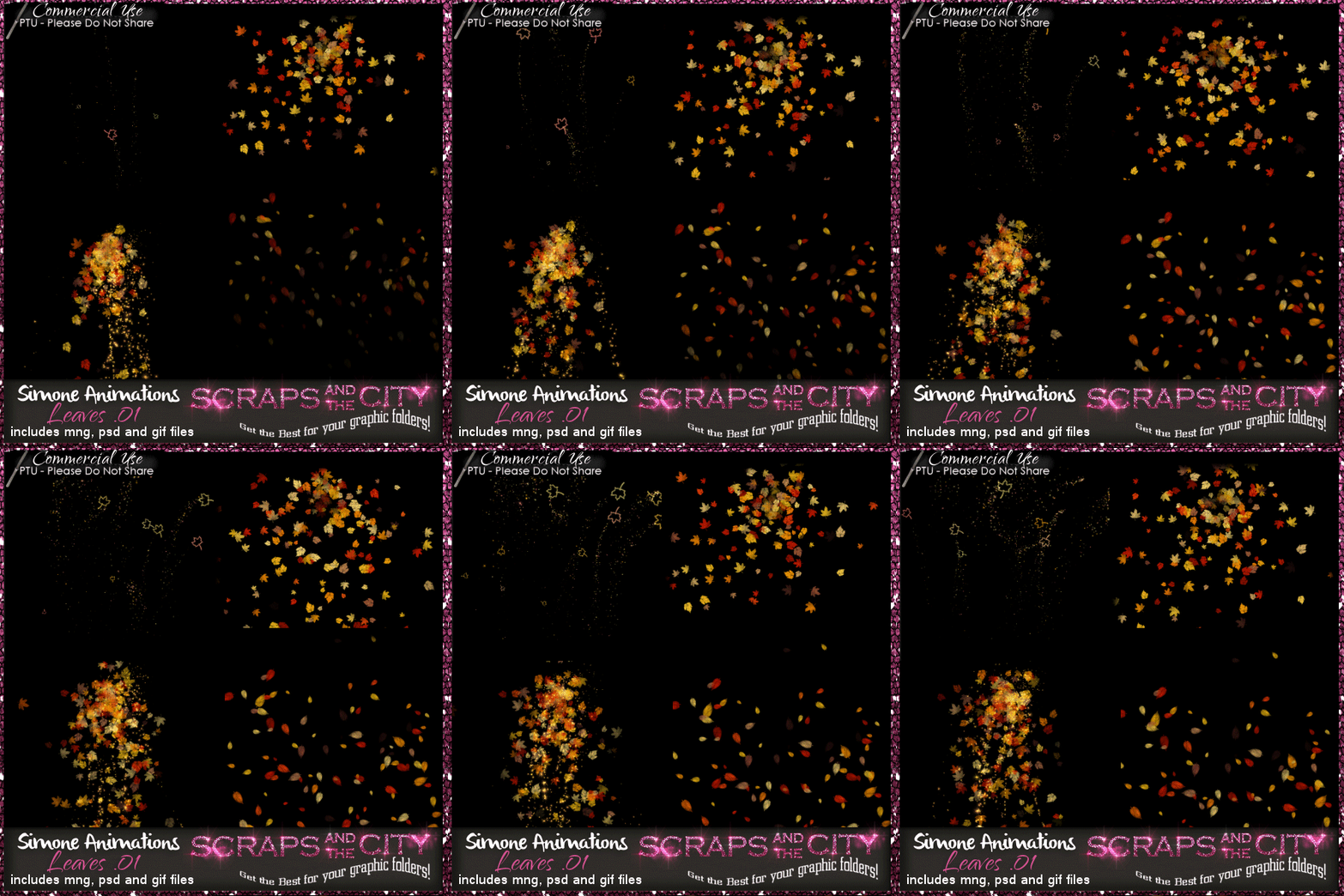
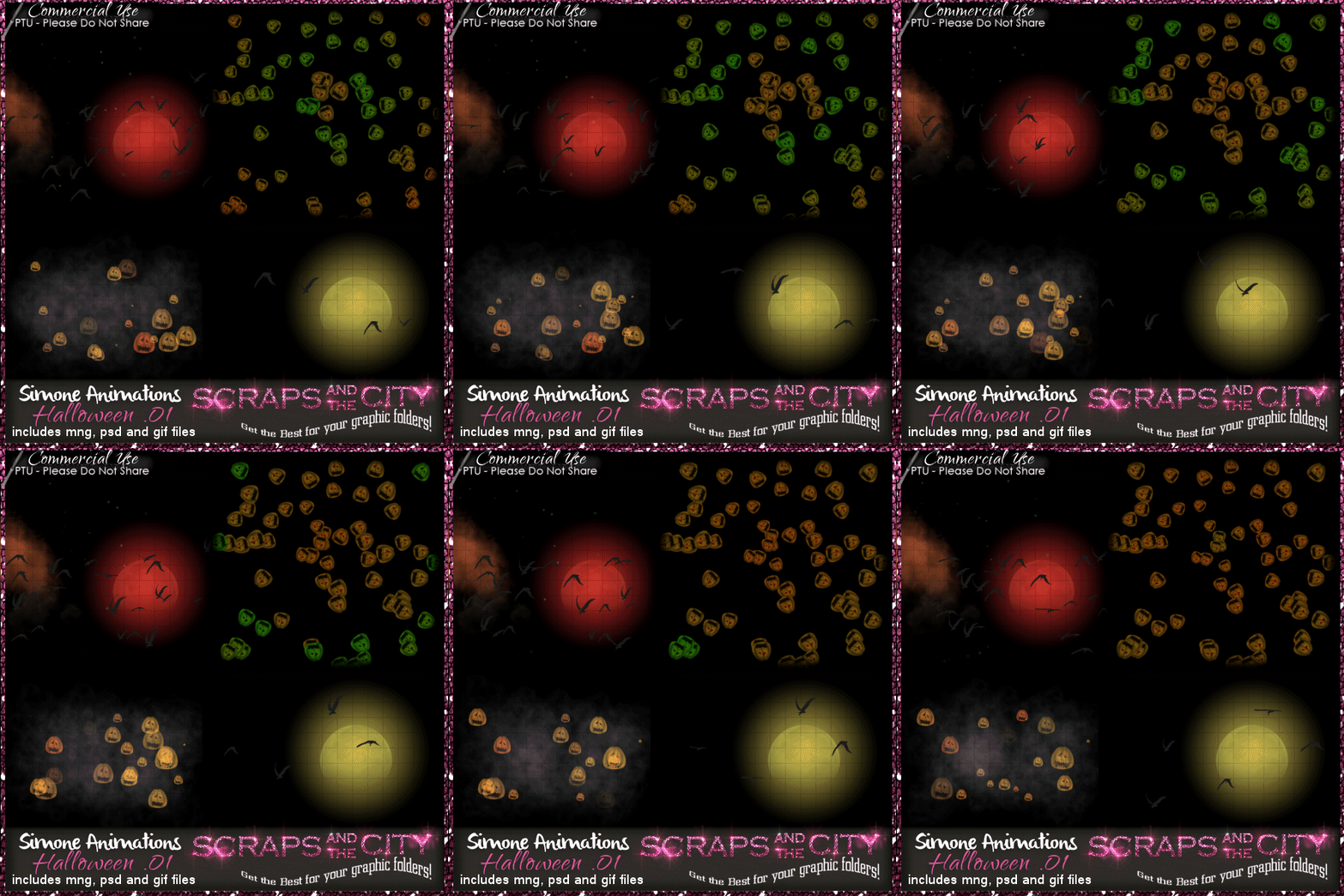
In this awesome package you will find 5
animations. One of them is with or without bling, so really there are
only four. It's created for a match with José A. Cano 's newest upcoming
release "Elvira". She'll be in store shortly. You can use these animations as an add-on to your scrap kits. To be sold as personal use only. NO CU4CU.
1 hovering candle skull all blinged out
1 magical rat and mouse ride
1 falling skull
1 crazy spider
http://scrapsandthecity.com/store/index.php?main_page=product_info&cPath=12_551&products_id=12365
Hugs and enjoy!!!
1 hovering candle skull all blinged out
1 magical rat and mouse ride
1 falling skull
1 crazy spider
http://scrapsandthecity.com/store/index.php?main_page=product_info&cPath=12_551&products_id=12365
Hugs and enjoy!!!
Labels:animation,Halloween,ptu animations | 1 comments
Tuesday, October 1, 2013
5:20 PM | Edit Post
Another awesome tutorial by LyNx Tuts using one of my Pay To Use animations which you will find at SATC.
Tutorial is HERE:
Monday, September 30, 2013
6:49 PM | Edit Post
Awesome new tutorial by Lynx Tuts using one of my animations.
You can find it on her blog here:
Sunday, September 29, 2013
5:00 PM | Edit Post
Getting Started SALE!
Check out my new Commercial Use animations.
Personal use to come at some point.
To be used in designers kits as additional option when creating tags.
http://scrapsandthecity.com/ store/ index.php?main_page=index&cPath =12_551
Please don't worry I will continue to make FREEBIES
Remember I have over 600 FREE animations here on my blog and in my tutorials.
Big hugs and thank you so much for the continued support.
Hugs Simone
Labels:Sale AD | 2
comments
Friday, September 27, 2013
1:15 AM | Edit Post
This is a tutorial by Abstract using one of my animations.
I don't use Photoshop but several of you do, so here is a tutorial on how to use my animations on tags with Photoshop.
How to use Animations in Photoshop to create tags.
(by Abstract)
Open the PSD.
Select all layers, group layers by hitting CTRL+G.
Duplicate the group and find your tag in the dropdown menu box, hit ok.
Open your animation window (timeline if you use CS6) and create a new frame for each frame in the animation.
Open the group with the frames in it.
Close off all the frame layers except the first one.
In the first frame, make sure the first frame is showing.
In the second frame, the second frame layer is the only one showing.
Continue like that until you have all the frames done. Save for web and devices.
You can move the grouped layers between your tag layers to position the animation behind stuff if you want. You can also change the blend mode of them like that.
Written and provided by Abstract.
Thank you for the quickie tutorial :)
Hugs Simone
More tutorials by Abstract using Photoshop here:
(by Abstract)
Open the PSD.
Select all layers, group layers by hitting CTRL+G.
Duplicate the group and find your tag in the dropdown menu box, hit ok.
Open your animation window (timeline if you use CS6) and create a new frame for each frame in the animation.
Open the group with the frames in it.
Close off all the frame layers except the first one.
In the first frame, make sure the first frame is showing.
In the second frame, the second frame layer is the only one showing.
Continue like that until you have all the frames done. Save for web and devices.
You can move the grouped layers between your tag layers to position the animation behind stuff if you want. You can also change the blend mode of them like that.
Written and provided by Abstract.
Thank you for the quickie tutorial :)
Hugs Simone
More tutorials by Abstract using Photoshop here:
Labels:HOW TO ANIMATE using Photshop | 0
comments
Thursday, September 26, 2013
10:20 PM | Edit Post
TO ANIMATE using PSP/Animation Shop 3.0
1. Paste your tag as a "new animation" in Animation Shop.
You will need to add the same amount of frames as found in your animation.
Using 14 frames as an example:
Hold your Ctrl key down and repeatedly hit letter L on your keyboard for a total of 14 frames.
You can watch the count on the lower right hand side of your screen in AS.
2. Now open your animation.
Go to Edit, select all.
Go to Edit, copy.
3. Activate your tag.
Go to Edit, select all.
Go to Edit, make sure Propagate Paste is selected.
Go to Edit, Paste, paste into selected frames.
Position on your tag and click into place.
4. Play and save.
Don't forget to add your name.
5. To save:
Go to File, Save as, enter the name of your file and select the folder to save to.
Now click on Customize:
Under COLORS TAB:
Number of colors: 255 Colors
Create palette by: OPTIMIZED OCTREE
Reduce colors by: Error Diffusion
Under OPTIMIZATIONS TAB:
set a check mark beside the second, third and forth choices. UN-check the 1st and last.
Under PARTIAL TRANSPARENCY:
check Convert pixels less than 92
Yes, blend with this color: change to white #FFFFFF
Click OK. Click Next, next, next, next.
Play your animation.
At times your animation may or will come out terrible. Optimization in Animation Shop is not the greatest.
You can play around will your settings, especially under the Tab: Optimization. I change this setting at times from anywhere between 70 and 100.
Some people add a white background. To add background, go to Animation: Animation Properties, select Opaque and change color to white.
Hope you enjoyed this tutorial,
Hugs Simone
Please, always direct people to my blog to download my animations or SATC if using a purchased animation.
Do not load to any other download site and don't claim as your own.
Tutorial written by SophisticatSimone aka Lorraine Halle on Saturday, May 11, 2013.
1. Paste your tag as a "new animation" in Animation Shop.
You will need to add the same amount of frames as found in your animation.
Using 14 frames as an example:
Hold your Ctrl key down and repeatedly hit letter L on your keyboard for a total of 14 frames.
You can watch the count on the lower right hand side of your screen in AS.
2. Now open your animation.
Go to Edit, select all.
Go to Edit, copy.
3. Activate your tag.
Go to Edit, select all.
Go to Edit, make sure Propagate Paste is selected.
Go to Edit, Paste, paste into selected frames.
Position on your tag and click into place.
4. Play and save.
Don't forget to add your name.
5. To save:
Go to File, Save as, enter the name of your file and select the folder to save to.
Now click on Customize:
Under COLORS TAB:
Number of colors: 255 Colors
Create palette by: OPTIMIZED OCTREE
Reduce colors by: Error Diffusion
Under OPTIMIZATIONS TAB:
set a check mark beside the second, third and forth choices. UN-check the 1st and last.
Under PARTIAL TRANSPARENCY:
check Convert pixels less than 92
Yes, blend with this color: change to white #FFFFFF
Click OK. Click Next, next, next, next.
Play your animation.
At times your animation may or will come out terrible. Optimization in Animation Shop is not the greatest.
You can play around will your settings, especially under the Tab: Optimization. I change this setting at times from anywhere between 70 and 100.
Some people add a white background. To add background, go to Animation: Animation Properties, select Opaque and change color to white.
Hope you enjoyed this tutorial,
Hugs Simone
Please, always direct people to my blog to download my animations or SATC if using a purchased animation.
Do not load to any other download site and don't claim as your own.
Tutorial written by SophisticatSimone aka Lorraine Halle on Saturday, May 11, 2013.
Subscribe to:
Posts
(Atom)
Leave Some Love
Categories
- 1ST OF July (2)
- 4TH OF July (6)
- AI TUBES (2)
- airplane (1)
- American Kit (1)
- Angelica S (2)
- animation (109)
- Arabesque (2)
- arrows (1)
- autumn (10)
- Aviation (1)
- Award (6)
- Ballerina (2)
- balloons (1)
- basketball (1)
- bats (2)
- BCA (3)
- BCA Kit (1)
- bees (1)
- Bibi's Collection Kits (4)
- birds (3)
- birthday (3)
- blast (1)
- bling (38)
- Blog Train (3)
- blood (3)
- Bragging (2)
- Bubbles (11)
- bugs (6)
- butterflies (4)
- Camera Flash (1)
- Canada Day (4)
- Canada Day Scrap Kit (2)
- cars (2)
- cat (2)
- caution lights (1)
- CDO ANIMATIONS (30)
- CDO KITS (1)
- celebration (1)
- Céline (2)
- Christmas (23)
- cigarette smoke (1)
- circles (8)
- clover (5)
- COFFEE (1)
- Coin or money (3)
- Collaborations (6)
- color challenge (1)
- color fog (3)
- confetti (3)
- contest (3)
- CT Tazzylady (20)
- CT Tutorials and tags (11)
- CU (1)
- Danny Lee (1)
- Discord Group (1)
- Dog (1)
- easter (3)
- Egypt (1)
- Evita Tags (1)
- explosion (2)
- facebook (1)
- fairies (4)
- fairy dust (2)
- FALL (11)
- FANTASY (2)
- fb timeline (1)
- FETISH (1)
- fire (4)
- fireworks (2)
- fishing (1)
- flame (1)
- flash (1)
- flowers (10)
- fog (5)
- frames (1)
- Freebie (127)
- FREEBIE KIT (1)
- FRUIT (2)
- FTU animation (9)
- FTU fireworks (1)
- FTU KITS (14)
- FTU Rain (1)
- FTU Tutorials (1)
- galaxie (2)
- ghosts (1)
- glitter (23)
- glow (2)
- goth (1)
- grass (6)
- Grease (1)
- gunshot (1)
- Halloween (19)
- Hania's Design Animations (2)
- Hania's Design Kits (7)
- happy face (1)
- Hearts (13)
- horse (1)
- HOW TO ANIMATE using Animation Shop (1)
- HOW TO ANIMATE using Photshop (1)
- Ismael Rac (1)
- Jose Cano (1)
- July (1)
- Jungle (1)
- kiss (2)
- Kiya tags (1)
- lantern light (1)
- leaves (5)
- letters (1)
- lightning (5)
- lights (2)
- lines (1)
- links (1)
- LyNx Tuts (7)
- MAGIC (1)
- MAGIC BALLS (1)
- male (1)
- man (1)
- MardiGras (2)
- masks (38)
- MASS DOWNLOAD (1)
- MASS MASK DOWNLOAD (1)
- mechanic (1)
- Memorial Day (1)
- mist (1)
- money (2)
- moths (1)
- movie reel (1)
- music (6)
- MYSTICAL (1)
- New Year (4)
- New Year's Animations (1)
- Nile (1)
- ocean (1)
- Palm Tree (1)
- Pay to Use Animations (7)
- PFD (2)
- PFD Scrapkits (2)
- Pics For Design (2)
- pixie bugs (5)
- PLANT (1)
- playing cards (2)
- Police lights (1)
- pollen (1)
- ptu animations (12)
- PTU Jungle Fever Kit (1)
- PTU kit (24)
- PTU Kit Dark Night (1)
- PTU Kit On The Coast (1)
- PTU Patriotic Kit (1)
- PTU tutorial (22)
- purple (3)
- PUZZLE (1)
- Quotes (1)
- Rain (6)
- rays (1)
- red and white (1)
- Remembrance Day (4)
- ripples (1)
- rolling circles (3)
- roses (1)
- Safari (1)
- Sale AD (3)
- ScrapKits Taggers (29)
- sea (1)
- skulls (2)
- smoke and steam (6)
- snow (8)
- sparkles (13)
- special (1)
- spinning wheel (1)
- sport (1)
- Spring (22)
- St-Patrick's (18)
- St.Patrick's Day (3)
- stars (18)
- SteamPunk (4)
- SUMMER (3)
- swirling (1)
- Tag show off (16)
- tags (4)
- templates (14)
- Thanksgiving (3)
- TIMELINE MASKS (1)
- TIMELINE TEMPLATE (1)
- Tonya (2)
- TOU's (1)
- toxic (1)
- train (15)
- Trinita (1)
- tutorials (24)
- Tutorials using my freebies (1)
- Tutsation's By Callie (13)
- Twinks (2)
- unique (1)
- Valentine (30)
- water (2)
- Waterfall (2)
- waves (1)
- western (2)
- winter (6)
- Word Art (12)
- ZLATA (1)